
Get Elvo on all your devices
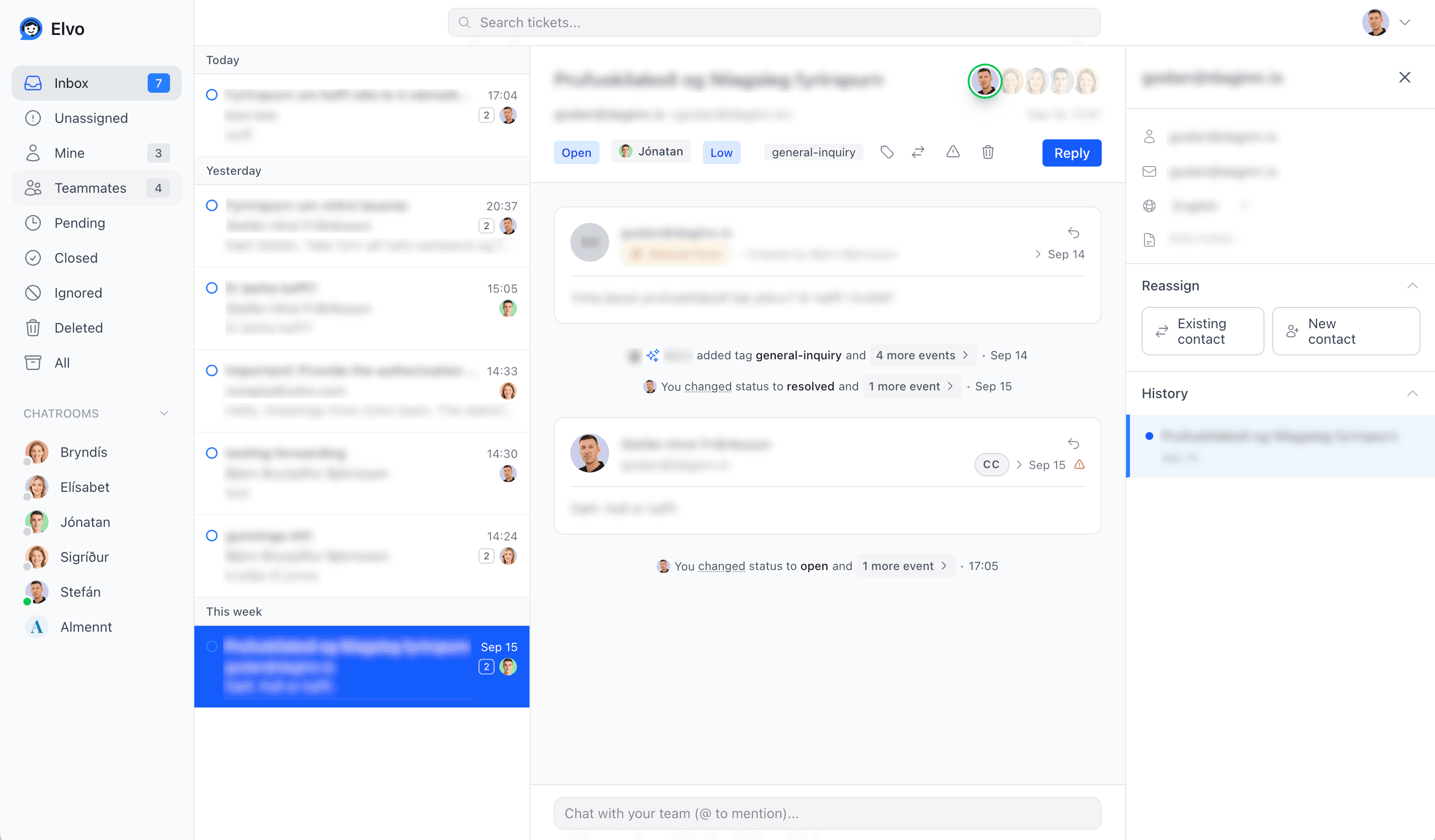
On your computer
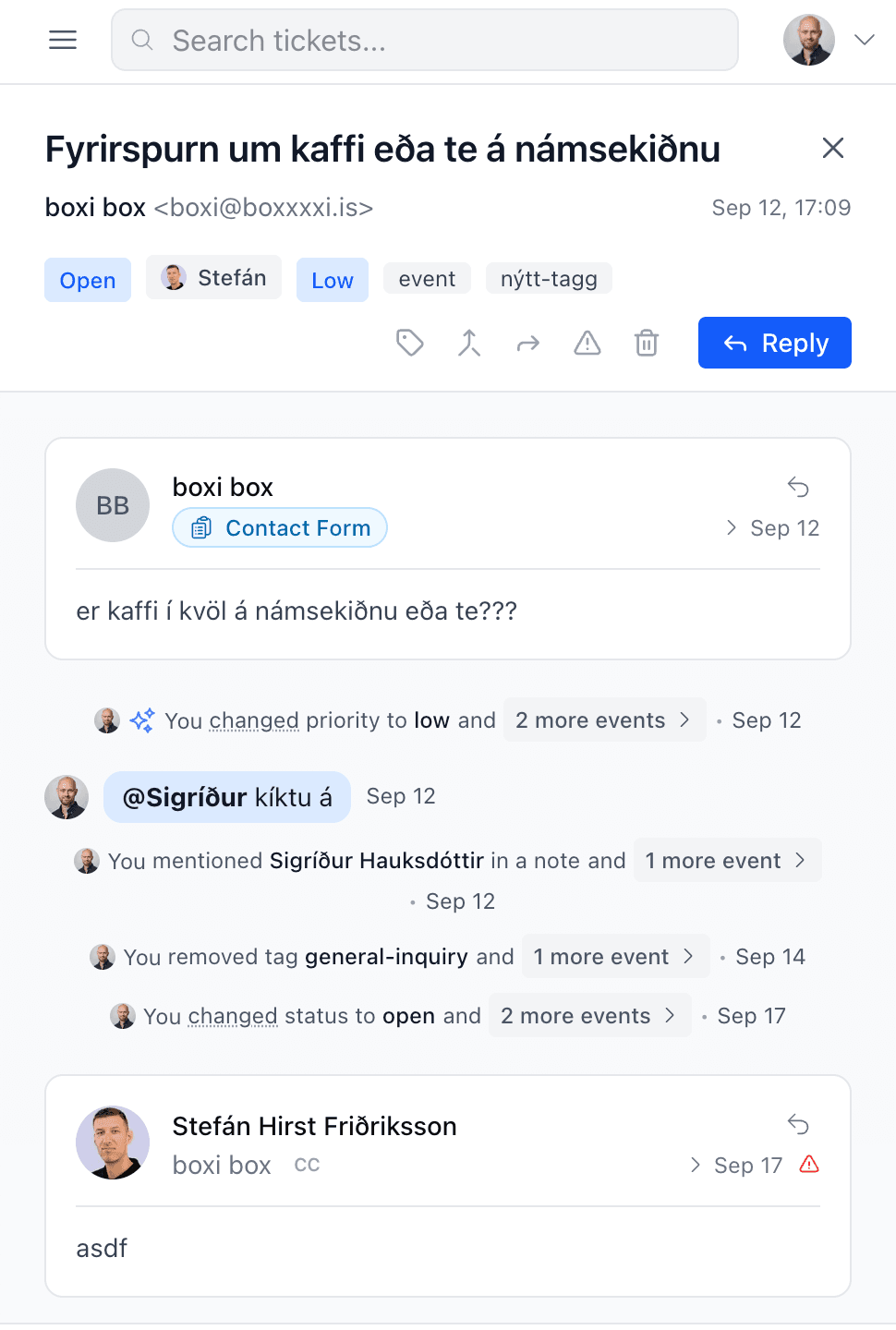
On your phone
iPhone and iPad
- Open the App Store and search for "Elvo Support", or tap Download above.
- Install the app and sign in with your Elvo account.
- Allow notifications when the app asks.
Android
- Open Google Play and search for "Elvo Support", or tap Download above.
- Install the app and sign in with your Elvo account.
- Allow notifications when the app asks.
Add to home screen
iPhone and iPad
- Open elvo.is in Safari.
- Tap the share button at the bottom of the screen.
- Choose "Add to Home Screen", then "Add".
Version 0.1.5 · 27 September 2026