
Canned responses
Save replies to common questions and insert them in a couple of clicks — save time without losing the personal touch.
Canned responses are saved replies for questions that come up again and again — opening hours, shipping, returns. Instead of writing the same thing every time, you insert the reply in a couple of clicks and adjust as needed.
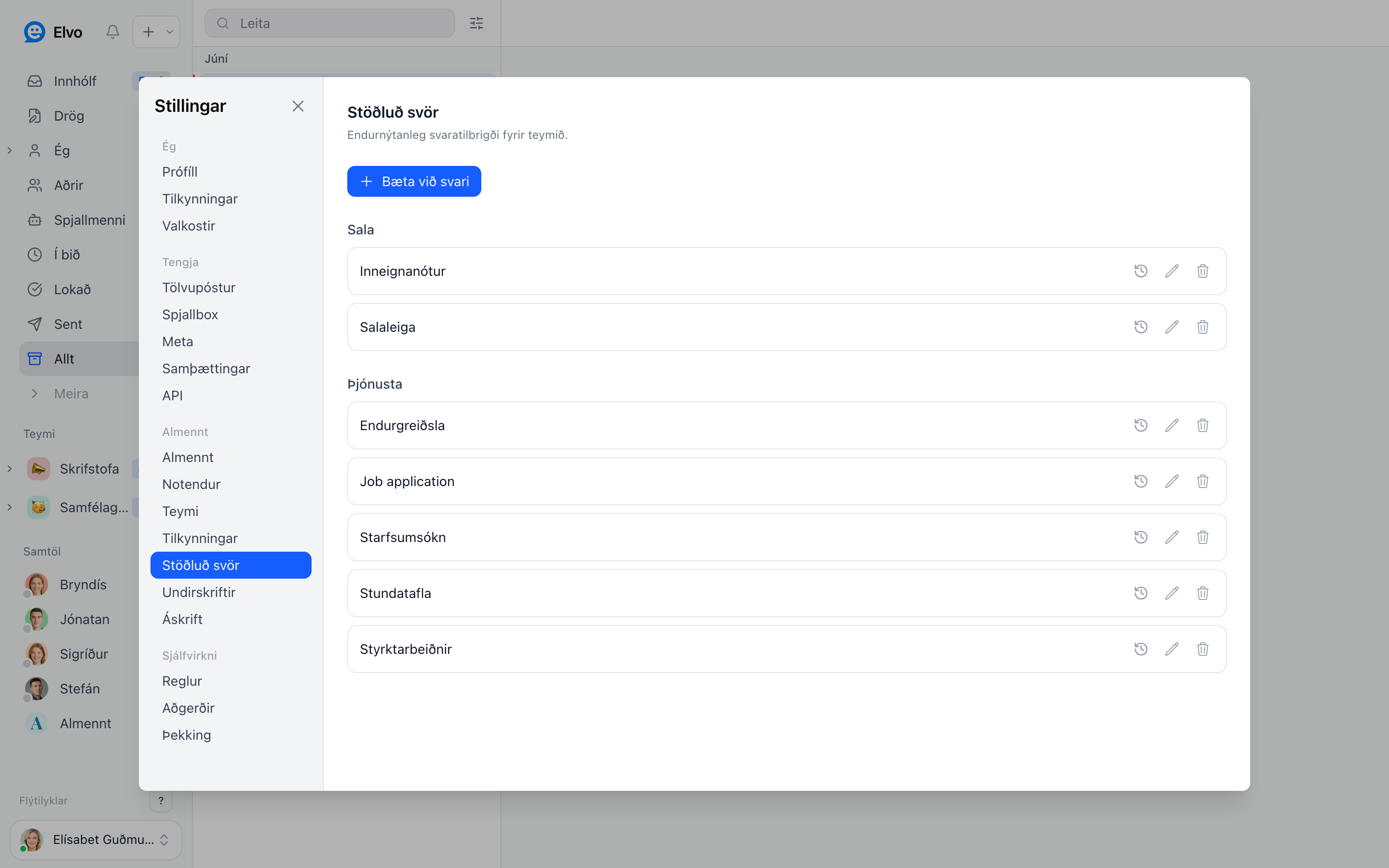
Create a canned response
Open Settings → Canned responses and add a new one. Give it a descriptive name so you can find it quickly, and write the text.
Variables
You can use variables (e.g. the customer's name) so the reply still feels personal even though it's templated. The variable fills in automatically when you use the response.
Use a canned response
When you reply to a ticket, pick the canned response from the list; it appears in the reply box, and you can adjust it before sending.
Tip
Start with your 3–5 most common questions. It saves the most time right away and keeps replies consistent across the whole team.